Article

The Complete Beginner's Guide to SQL Server: 10 Essential Tips

July 17, 2026  |  5 min read

The Complete Beginner's Guide to SQL Server: 10 Essential Tips

The Backbone of Business Data

Despite the rise of NoSQL and big data technologies, relational databases remain the absolute backbone of modern business. And when it comes to enterprise relational databases, Microsoft SQL Server is an industry giant.

Whether you are a data analyst, backend developer, or IT administrator, mastering SQL is non-negotiable.

What is SQL Server?

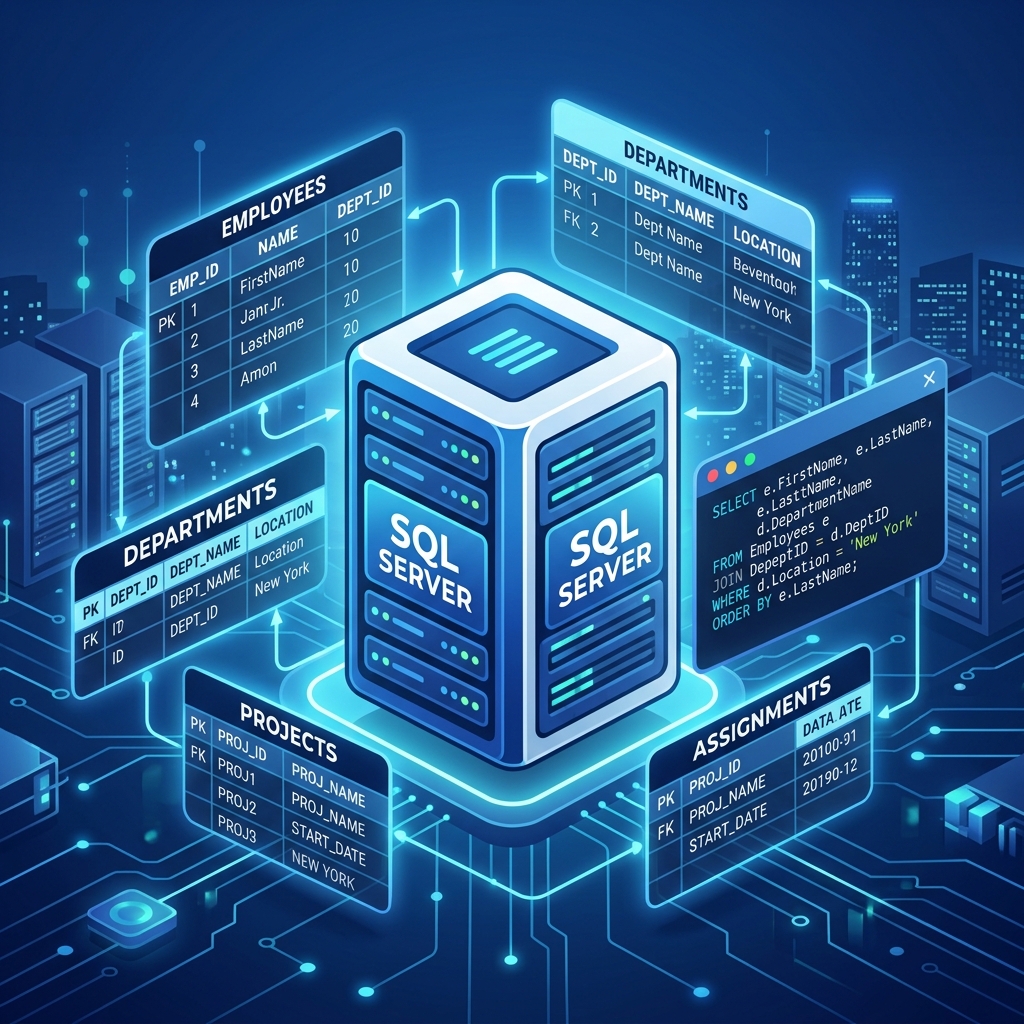
SQL Server is a Relational Database Management System (RDBMS) developed by Microsoft. Its primary function is storing and retrieving data as requested by other software applications.

Essential Tips for Beginners

  1. Understand the Execution Order: When you write a query (`SELECT * FROM table WHERE...`), SQL doesn't process it top-to-bottom. It processes the `FROM` clause first, then `WHERE`, then `GROUP BY`, `HAVING`, `SELECT`, and finally `ORDER BY`. Understanding this solves 90% of beginner errors.
  2. Use Aliases (AS): Always use table aliases to make your code readable. E.g., `SELECT c.Name FROM Customers AS c`.
  3. Beware of SELECT *: Never use `SELECT *` in production code. It retrieves all columns, which wastes memory and network bandwidth. Explicitly name the columns you need.
  4. Master the JOINs: `INNER JOIN` (returns matches in both tables) and `LEFT JOIN` (returns everything from the first table and matches from the second) will constitute 99% of your data blending work.
  5. Use Common Table Expressions (CTEs): Instead of writing messy, deeply nested subqueries, use the `WITH` clause to create clean, temporary result sets that make your code infinitely more readable.

Performance Matters

As databases grow to millions of rows, poorly written queries can crash systems. Learn the basics of Indexing. An index in a database is like an index in a book—it allows the SQL engine to find data instantly without scanning every single page (row) of the table.

SQL is a skill that takes a weekend to learn and a lifetime to master. Start querying today!


Social Proof

Loved by Learners & Frequently Asked

Real stories from real students — and answers to the questions we hear most.

Student Testimonials

"I am highly satisfied with their course on data science. I recommend Omnicert Technologies to every candidate who wants to get their dream job!"

Harish Kaur
Harish Kaur Data Science Student

"Their corporate training for Microsoft Advanced Excel course helped me get my desired job. The practical sessions were incredibly valuable."

Survesh Chopra
Survesh Chopra Advanced Excel Graduate

"I have taken admission in Python with Machine Learning and AI course. Faculties help students in a friendly manner and help them grasp the concepts easily."

Vikash Khullar
Vikash Khullar Python & ML Student

"Top notch curriculum and highly experienced faculty. The mock interviews were the key to my success."

Vikas Negi
Vikas Negi Machine Learning Eng. — Wipro
📦 Placed Package: 9.2 LPA

"This institute changed my life! The hands-on projects gave me exactly what I needed to clear technical rounds with confidence."

Priya Patel
Priya Patel BI Developer — Infosys
📦 Placed Package: 7.8 LPA

"The Python with ML & AI course is fantastic. The trainer explains each concept with live examples. I was a complete beginner and now I'm working as a Data Engineer at TCS."

Rahul Verma
Rahul Verma Data Engineer — TCS
📦 Placed Package: 9.6 LPA

"Mentors clarify every doubt and help prepare for standard industry interviews. The practical case studies are highly useful. Best decision I made for my career!"

Nisha Rawat
Nisha Rawat Data Scientist — Accenture
📦 Placed Package: 12.5 LPA

"The placement support and course quality are outstanding. I got thorough training in SQL, Advanced Excel, and Power BI. Within 3 months of completing the course I landed a job at Capgemini."

Abhishek Gupta
Abhishek Gupta Data Analyst — Capgemini
📦 Placed Package: 8.2 LPA
Frequently Asked Questions